
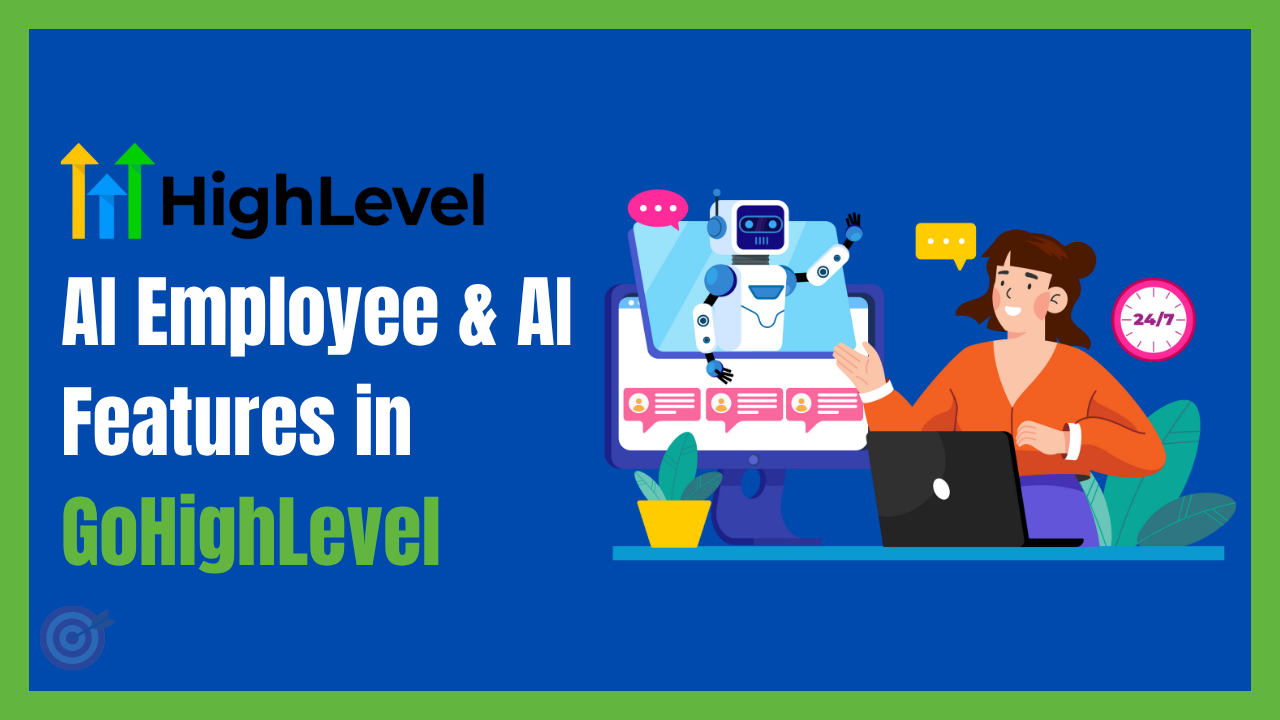
AI Employee and AI Features in GoHighLevel: 2026 Practical Guide
Reviewed and updated in July 2026.
GoHighLevel AI Employee is no longer one feature. It is a group of AI tools for conversations, calls, reviews, content, websites and workflow tasks. The useful question is not whether AI can replace manual work. It is which tasks can be handled safely and which decisions still need a person.
Choose the task and success measure
Set knowledge, limits and handoff rules
Test conversations, calls and workflow results
Official sources: HighLevel AI product pricing · HighLevel AI Employee overview
Related GHLFocus guides: AI Employee pricing hub · Voice AI pricing · AI Studio pricing
At GHL Focus, we start with the lead journey before turning on an AI product. We identify what the agent should answer, what information it may collect, when it should book an appointment and when it must hand the conversation to a team member.
What is included in GoHighLevel AI Employee?
HighLevel describes AI Employee as the collection of AI products managed and billed under its AI offering. The current suite includes tools such as:
- Conversation AI: Handles supported chat and messaging conversations.
- Voice AI: Answers or places calls based on the configured agent and plan.
- Reviews AI: Helps create responses to customer reviews.
- Content AI: Assists with text and image creation.
- Ask AI: Helps users work with information and tasks inside the platform.
- Workflow AI: Adds AI-supported actions inside automation workflows.
- AI Studio: Creates websites, landing pages and interactive front-end experiences from prompts.
AI Studio and Agent Studio are different products. AI Studio focuses on customer-facing web experiences. Agent Studio has been used to build AI agents and logic. HighLevel’s documentation updated on 8 July 2026 says existing flow-based agents remain manageable in Agent Studio, while SuperAgents is the recommended experience for new agents where available.
Current AI pricing options
HighLevel’s AI pricing guide, updated in June 2026, lists three approaches:
For current plan prices and allowances, use our AI Employee pricing hub. It links to separate guides for Voice AI costs and AI Studio usage.
- Pay per use: No monthly AI subscription fee. Supported activity is billed based on usage.
- AI Employee Growth: $50 per enabled location each month with included limits across the AI suite.
- AI Employee Unlimited: $97 per enabled location each month with broader unlimited or included usage, subject to fair-use terms.
Phone System charges still apply to calls, and text-message charges are separate. Agent Studio remains pay per use according to the current pricing guide. Pricing and included products can change, so confirm the live AI Suite and billing settings before quoting a client.
Where AI Employee can help
Answering common lead questions
An agent can answer approved questions about services, locations, availability and next steps. A focused knowledge base is more reliable than uploading every document in the business.
Qualifying and booking leads
The agent can collect basic qualification information and offer the correct calendar. It should not invent availability, pricing or policy. The calendar, custom fields and workflow handoff must be tested together.
Handling missed calls
Voice AI or a follow-up workflow can respond when the team cannot answer. The goal should be a useful conversation and clear handoff, not keeping the caller inside an automated loop.
Supporting internal workflows
AI can summarize information, classify an enquiry or prepare structured data for later workflow steps. Keep deterministic rules for permissions, billing, compliance and irreversible actions.
What AI should not control by itself
- Legal, medical or financial advice
- Promises, discounts or refunds not approved by the business
- Changes to billing, permissions or account ownership
- Sensitive decisions that require professional judgment
- Unreviewed outbound campaigns to contacts without valid consent
Every agent needs a clear human-handoff rule. We also recommend testing unknown questions, angry customers, incomplete contact records, booking conflicts and requests to stop communication.
A practical setup process
- Choose one measurable use case. Start with lead qualification, appointment booking or missed-call handling.
- Define the approved knowledge. Include accurate services, policies, locations and escalation contacts.
- Write boundaries. State what the agent cannot answer or do.
- Connect the correct calendar and fields. Avoid sending every lead into the same pipeline.
- Test realistic conversations. Include normal, unclear and difficult enquiries.
- Review logs and outcomes. Track handoffs, booked appointments, failed responses and corrections.
If your existing automation already has duplicate triggers or unreliable pipeline movement, complete a GoHighLevel workflow audit before adding AI.
Need your AI agent set up and tested?
We can scope your conversation, booking path, follow-up and human handoff, then test the agreed customer journey. Implementation is quoted separately from software subscriptions and usage charges.
One Comment