GoHighLevel Facebook and Instagram DM Workflow Not Firing
If your GoHighLevel Facebook or Instagram DM workflow is not firing, do not rebuild the workflow first. Check the connected page, the trigger’s reply channel and Meta’s 24-hour messaging window. A workflow that works for SMS can still fail for social DMs because Meta applies separate permissions and delivery rules.
Here is how we test it: we send separate controlled messages through Facebook and Instagram because one channel may be connected correctly while the other is blocked by permissions, filters or the messaging window.
Start with the general workflow-not-firing checklist, then isolate Meta-specific issues with the Facebook Lead Forms sync guide. Use the webhook testing process when data leaves HighLevel, or compare the setup with the WhatsApp integration path when several messaging channels share one workflow.
1. Start by confirming the correct Facebook Page and Instagram account
Open Settings > Integrations > Facebook. Confirm the Facebook Page is connected to the correct subaccount and the Instagram professional account is linked to that page.
If the Facebook user who authorized the connection lost admin or task access, reconnect the integration with a user who can manage messages and page activity.
2. Check whether the incoming message reached Conversations
Send a fresh test DM from an account that is not an admin of the page. Search the Conversations inbox for that message.
- If the message does not appear, fix the Meta connection and permissions.
- If the message appears but the workflow does not start, inspect the trigger and filters.
- If the workflow starts but the reply is not delivered, inspect the action and 24-hour window.
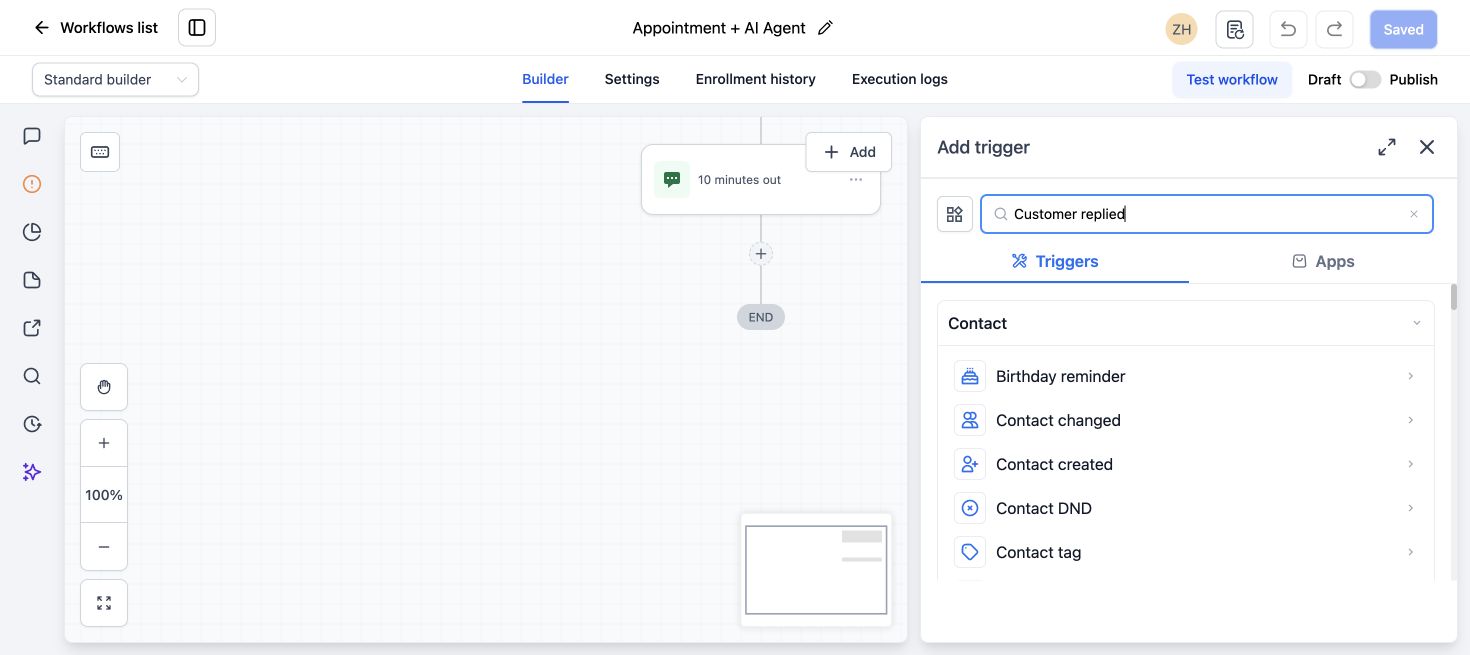
3. Use the correct Customer Replied filter
For a DM response workflow, use Customer Replied and select the correct reply channel. Facebook Messenger and Instagram DM are separate channels. A trigger filtered to SMS, live chat or all-in-one conditions may not behave the way you expect.
4. Respect Meta’s 24-hour messaging window
HighLevel’s Instagram DM action guide says a direct DM can be sent when the contact messaged the connected Instagram page within the previous 24 hours. The current Facebook Interactive Messenger guide describes the same 24-hour platform policy for Messenger.
If the contact has not interacted again within that window, the workflow action may execute without Meta delivering the message.
5. Use the correct action for comments and DMs
A comment-triggered workflow and a DM-triggered workflow are not identical. For a new comment, use the Facebook or Instagram interactive messenger option intended to reply to the comment through DM. For an existing DM conversation, use the reply-to-DM option.
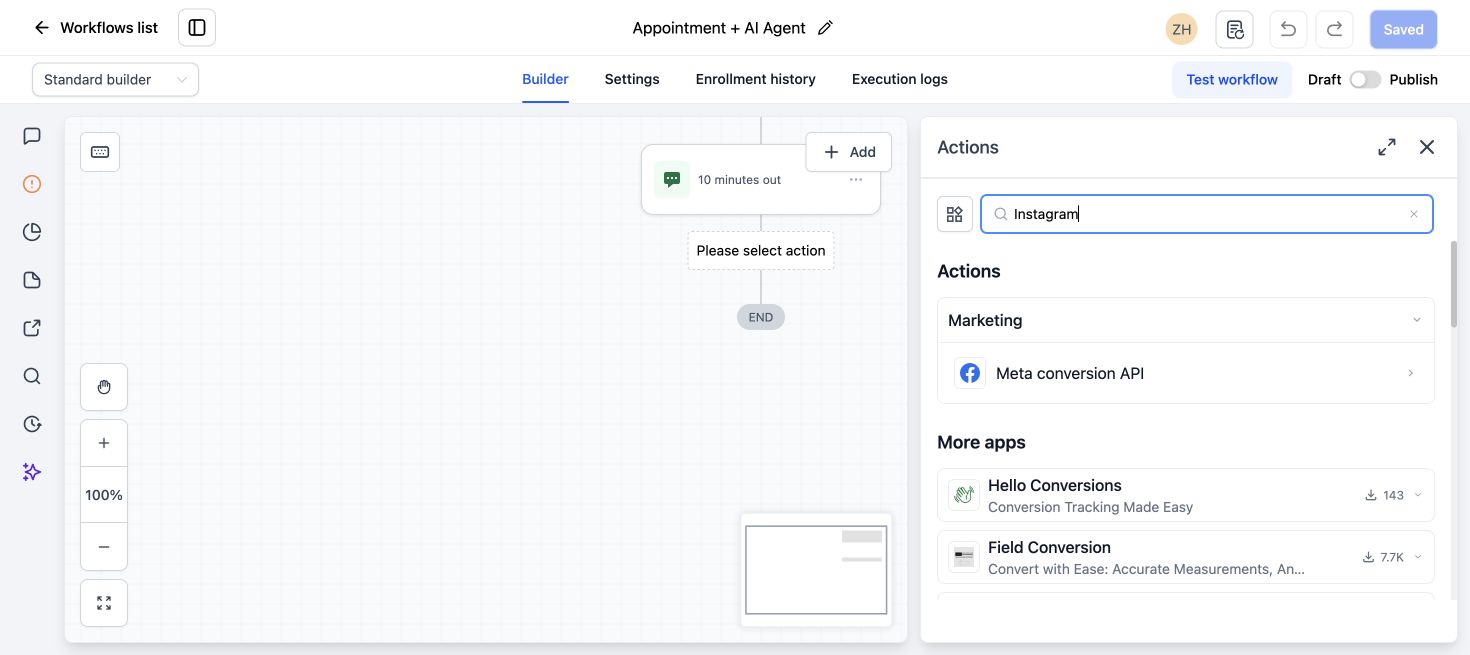
HighLevel recommends its interactive messenger actions for buttons, quick replies and clearer handling of Meta conversations.
6. Review trigger filters
Check page, post, phrase, channel and intent filters. If the workflow is tied to one specific post, it will not respond to a DM or comment on another post.
Temporarily simplify one filter during a controlled test, then restore only the rules the campaign needs.
7. Check re-entry and contact history
If the same test account has already entered the workflow, re-entry settings may stop a second test. Use a different test account or enable safe re-entry for the campaign.
8. Inspect the workflow execution
Open execution history for the contact. Check whether the contact entered, failed a filter, waited at a step or reached a social message action that Meta did not deliver.
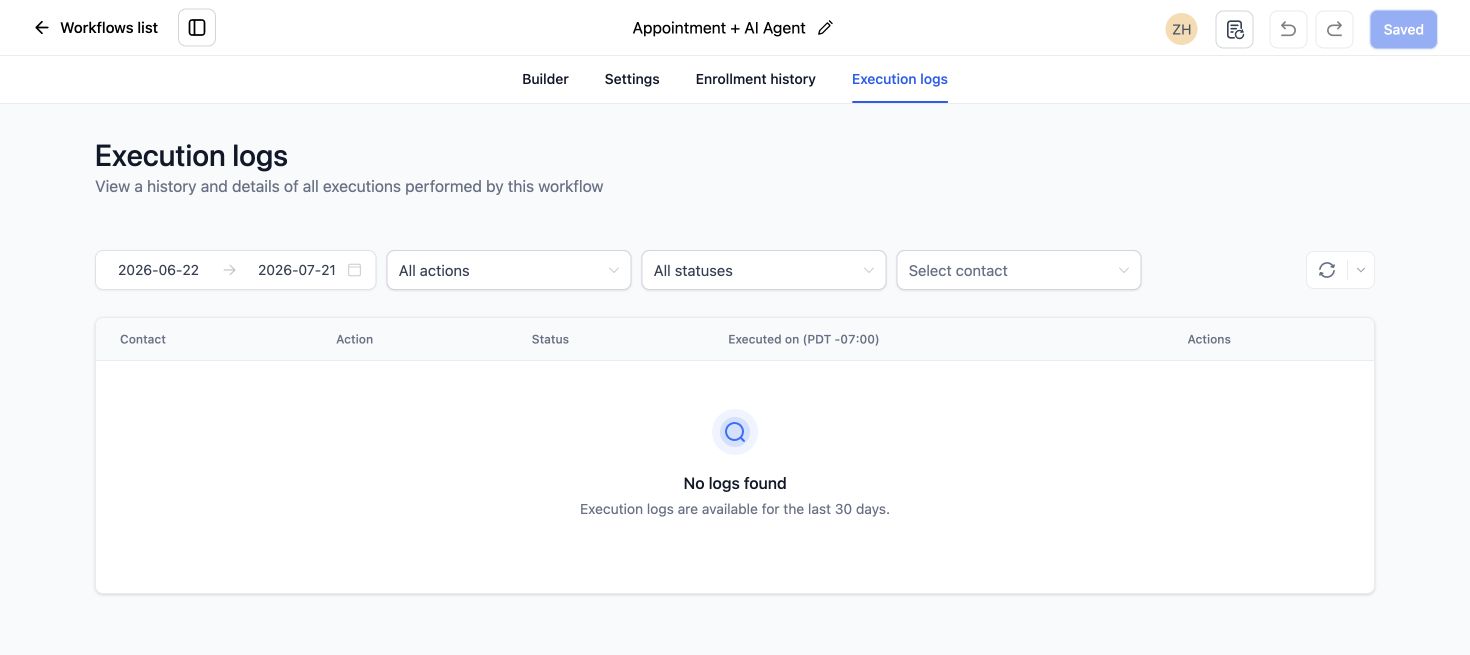
If no execution appears, follow our broader GoHighLevel workflow not firing checklist.
9. Test Facebook and Instagram separately
Do not test both channels in one pass. Send one Facebook Messenger test and one Instagram DM test. Confirm the contact source, reply channel, workflow execution and delivered response for each.
Quick fix checklist
- Reconnect the correct Facebook Page.
- Confirm the Instagram professional account is linked to the Page.
- Send a new message from a non-admin test account.
- Choose the exact Facebook or Instagram reply channel.
- Use the proper interactive messenger action.
- Test within 24 hours of the contact’s last interaction.
- Review re-entry and execution history.
For multi-channel workflow help, review our GoHighLevel automation and support services.
Frequently asked questions
Why does the workflow fire for SMS but not Instagram DM?
The channels use different triggers, integrations and delivery rules. Confirm the Instagram account connection and select Instagram DM as the reply channel.
Can GoHighLevel send an Instagram DM to any contact?
No. For a direct automated reply, Meta’s messaging window and prior interaction requirements apply.
Why did the workflow run but the Facebook message was not delivered?
The contact may be outside Meta’s 24-hour window, or the action may not match the type of interaction.
Should comments and DMs use the same workflow?
They can share logic, but the trigger and response action should match the interaction. Separate workflows are often easier to test.
Can I use the same test account repeatedly?
Yes, but workflow re-entry and conversation history can affect the result. A fresh test account gives a cleaner diagnosis.
Need this fixed for you?
Start with a $149 small fix for one clearly defined issue, subject to scope confirmation. If the cause is unclear or spans several workflows, choose the $200 workflow audit. The audit report is delivered within five business days after we receive the required access and journey details.