
GoHighLevel Payments: Stripe Subscriptions, Failed-Payment Retries and Recovery Workflows
When a Stripe subscription payment fails, you need to handle two jobs: retry the charge and help the customer resolve the problem. GoHighLevel can sell recurring products through your connected Stripe account and run workflows around supported payment and subscription updates. First, configure the Stripe subscription retry schedule in Stripe Billing, not in HighLevel’s retry schedule for NMI, Authorize.net, and Square. Then use the synced status in HighLevel to keep your team informed, send the customer a useful message and apply the appropriate access or pipeline action.
That separation is the key to a reliable failed-payment setup:
- Stripe processes the charge and controls Stripe Billing retries.
- HighLevel receives supported transaction or subscription status and runs the business workflow.
Payment recovery should connect to the customer journey after booking. If the automation does not start, use the workflow diagnostic checklist. For external payment events, test the webhook path and confirm the correct API V2 authentication method.
Connect Stripe to the correct HighLevel sub-account
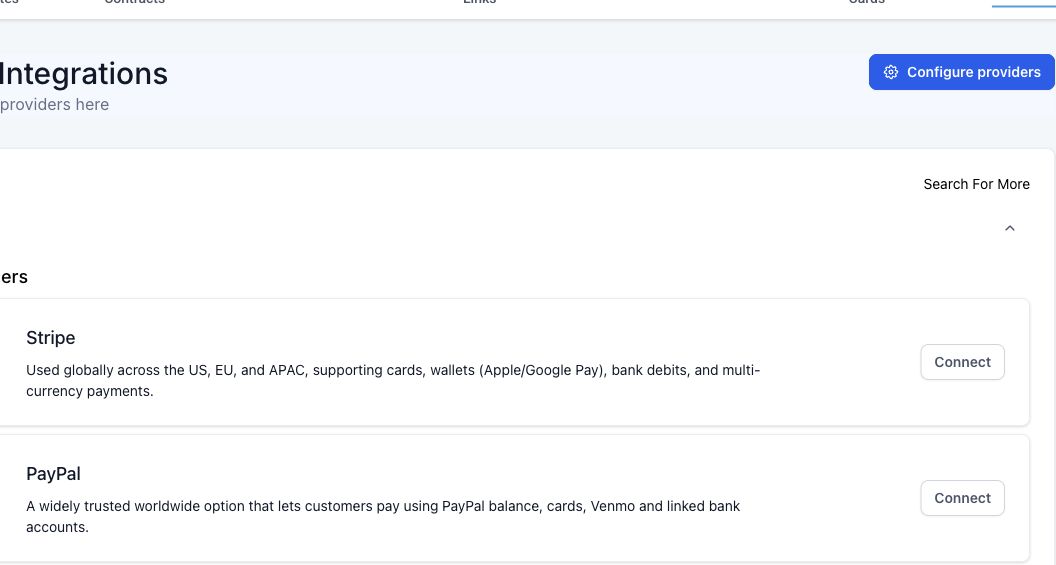
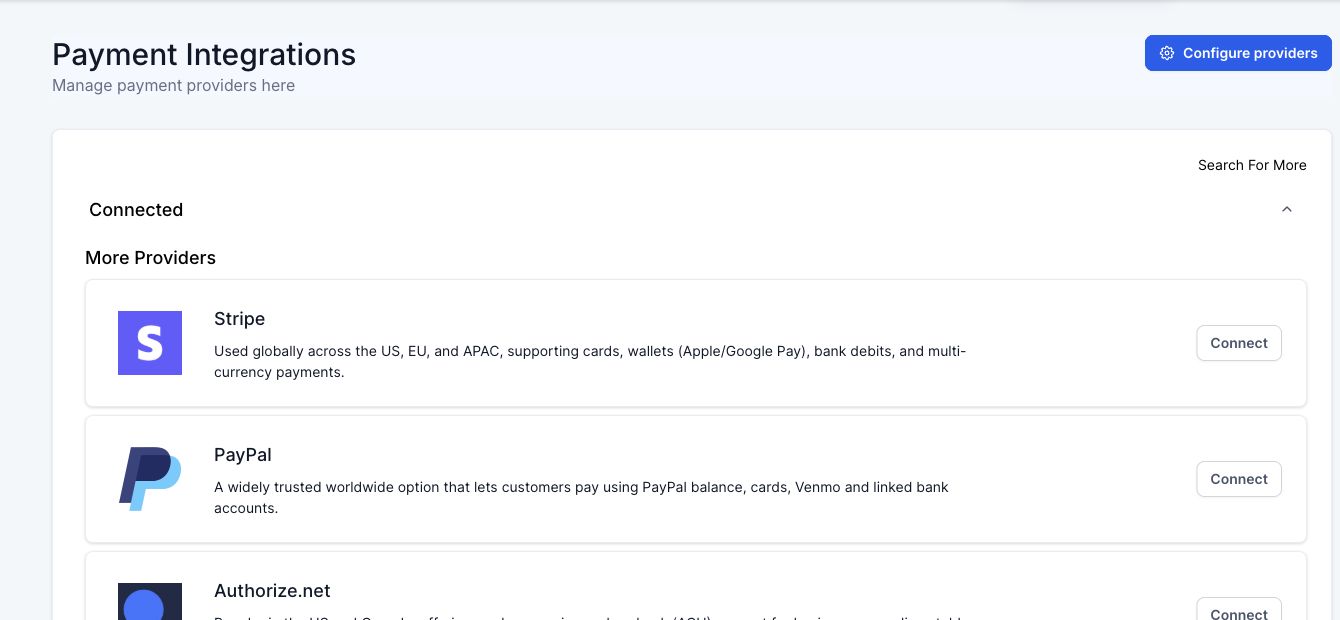
Go to Payments > Integrations > Stripe > Connect. Sign in through Stripe and authorize the correct account.
Before accepting live payments, confirm:
- The legal business and Stripe account are correct.
- The intended currency is enabled.
- Test and Live modes are clearly separated.
- The account owner has completed Stripe’s verification requirements.
- The HighLevel sub-account is the intended business location.
- Staff permissions limit who can view or change payment settings.
HighLevel’s current Stripe connection guide says older Stripe transactions do not backfill into HighLevel after connection. HighLevel tracks new supported transactions created through its connected payment flow.
Do not disconnect and reconnect Stripe casually on a live account. Record existing products, subscriptions, payment links, and automations before changing the connection.
Create a recurring product
Go to Payments > Products > Create Product.
Configure:
- Product name and description.
- Recurring pricing type.
- Amount and currency.
- Billing period.
- Optional trial period.
- Optional setup fee or number of payments when supported by the chosen checkout.
- Tax and product settings required by the business.
Save the product, then add it to a supported payment link, funnel order form, invoice, store, or checkout. HighLevel’s product setup guide distinguishes one-time and recurring products and recommends testing the full checkout.
Do not edit a live product’s billing logic without checking existing subscriptions. A new price or product may be safer than changing an item tied to active customers.
Test the subscription before going live
Use Stripe Test mode and a safe HighLevel test product.
Verify:
- The checkout shows the intended recurring amount and interval.
- The test card creates one contact and one subscription.
- The subscription appears under Payments > Subscriptions when the supported flow succeeds.
- The first payment and transaction appear in the expected HighLevel areas.
- The confirmation email, receipt, opportunity, fulfillment, and access actions run once.
- Cancellation and renewal behavior match the agreement shown to the customer.
HighLevel notes that a subscription whose first payment fails during an order-form submission may not appear on the Subscriptions page because the subscription was never successfully created. The contact can still exist, so test first-payment failure separately from a later renewal failure.
Understand subscription statuses
The exact mapping depends on the provider, but current HighLevel workflow filters include statuses such as:
| Status | Practical meaning to verify |
|---|---|
| Active | Subscription is live and billing successfully |
| Trial | Subscription is in its trial period |
| Incomplete | Initial setup or payment is not complete |
| Incomplete Expired | First payment failed and the subscription never became active |
| Overdue | A later payment is past due after the subscription was active |
| Unpaid | Payment remains outstanding according to the provider and account policy |
| Canceled | Subscription was canceled or reached a provider-specific canceled state |
| Scheduled | Subscription is set to begin in the future |
HighLevel’s Subscription workflow trigger guide explains the current status filters and notes provider-specific differences.
For Stripe, HighLevel’s Subscriptions page guide says supported status and upcoming payments remain synced with the Stripe dashboard. When the two interfaces appear to disagree, inspect Stripe’s subscription and invoice first, then compare the HighLevel record and sync time.
Where failed-payment retries are configured
Stripe subscriptions
For Stripe Billing, go to Stripe Dashboard > Billing > Revenue recovery > Retries. Stripe supports Smart Retries and custom retry rules according to the account’s current Billing configuration.
Stripe’s Smart Retries documentation explains that temporary failures can be retried according to the configured schedule and that hard declines may require a new payment method before another charge can succeed.
Review:
- Smart Retries versus a custom schedule.
- Customer email and failed-payment notification settings.
- What happens after the final attempt.
- Whether the subscription becomes unpaid, canceled, or follows another Stripe policy.
- Customer portal or hosted invoice access for payment-method updates.
Non-Stripe subscriptions in HighLevel
HighLevel also has Payments > Settings > Subscription retry controls. The current HighLevel failed-payment retry guide lists NMI, Authorize.net, and Square as supported for that configurable schedule.
Do not publish or implement those HighLevel retry intervals as if they control Stripe. Recheck provider support in the live UI because this can change.
Build the failed-payment recovery workflow
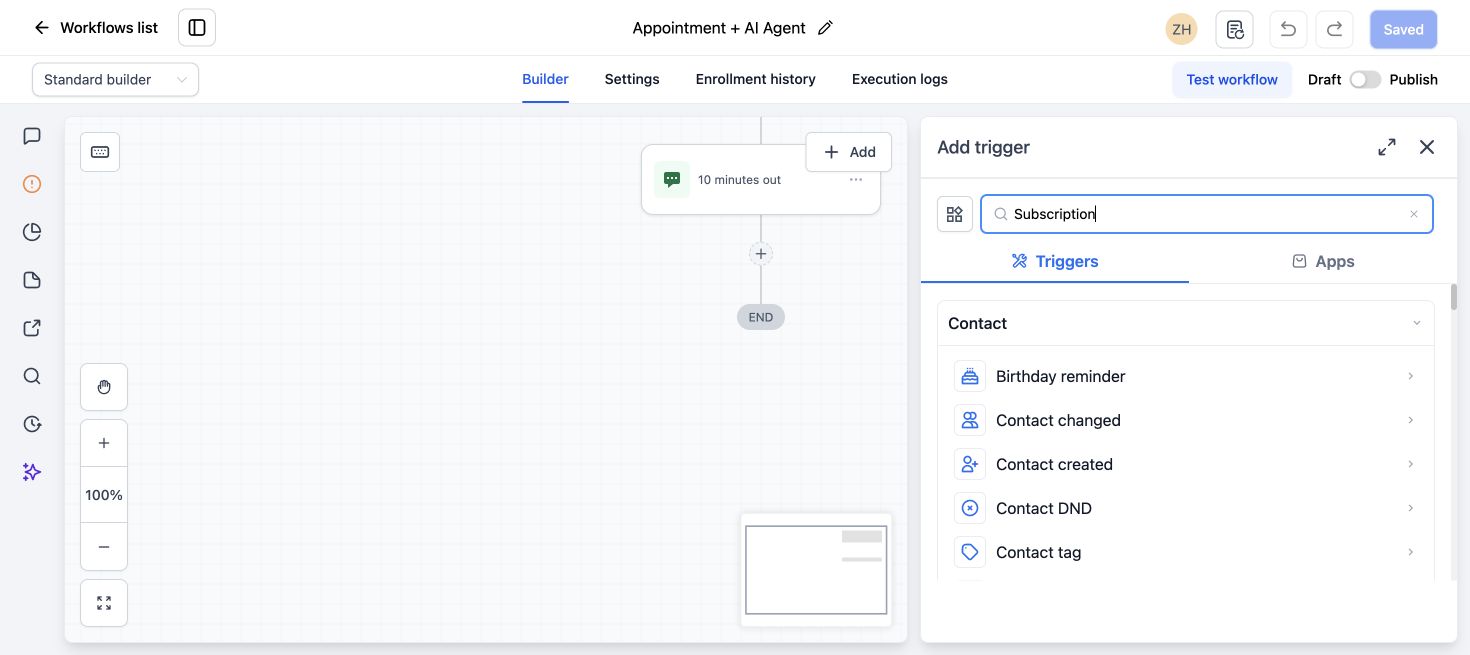
The recovery workflow should complement the provider’s retry process, not create a second blind charge loop.
Create a workflow such as PAYMENTS - Stripe Subscription Recovery.
Trigger the right failure state
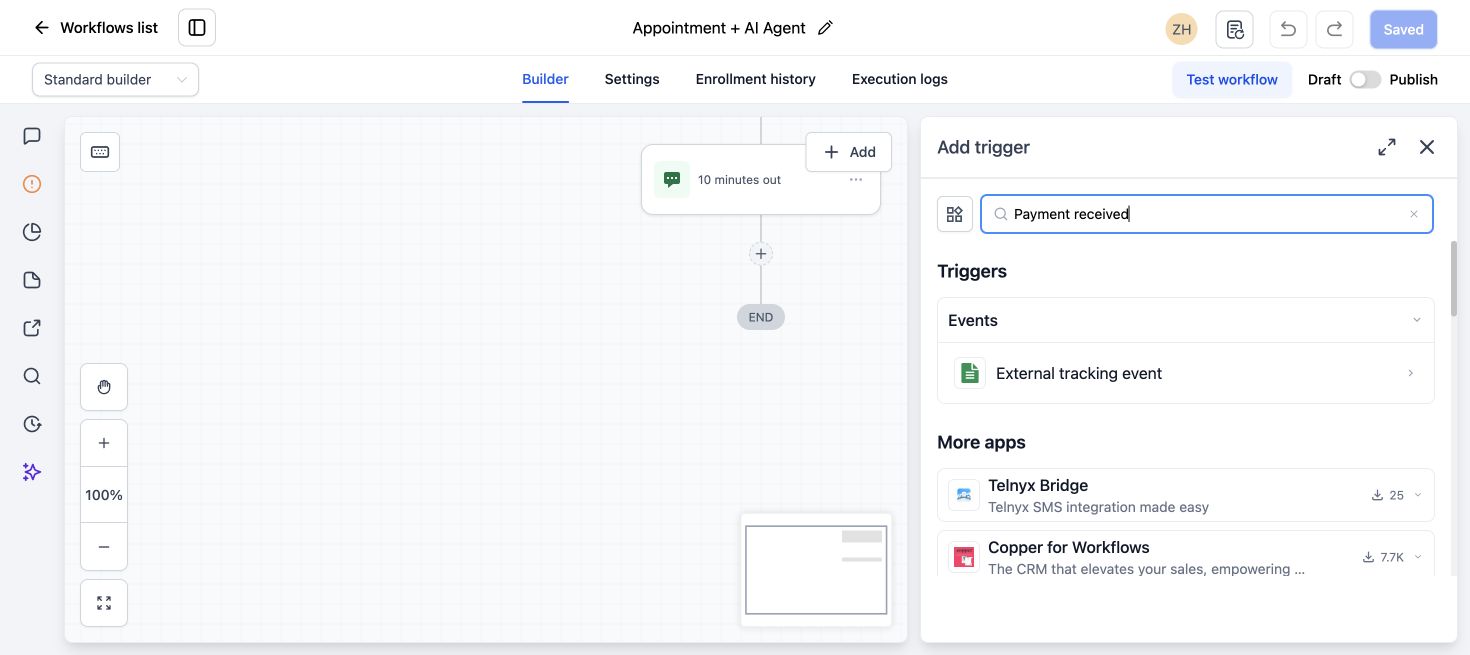
Depending on the live account and payment source, use:
- Subscription trigger with status Overdue or Unpaid for a later recurring failure.
- Payment Received or payment-event trigger with a Failed filter when that event exposes the required transaction.
- Invoice trigger for a HighLevel invoice flow.
Test the trigger in Stripe Test mode. Do not assume every provider sends the same status sequence.
Send the first customer notice
Keep it factual and safe:
Subject: We could not process your subscription payment

Hi {{contact.first_name}}, we could not process the latest payment for your Northside plan. Please use the secure payment or invoice link provided through our billing system, or reply to this email if you need help. We will never ask you to send full card details by email or text.
Use the provider’s secure hosted invoice, customer portal, or HighLevel payment-update link when available. Do not collect card numbers in a form, conversation, or custom field.
If HighLevel does not expose the unique payment-update link as a workflow value, send an internal task so staff can open Payments > Subscriptions and use Share Payment Update Link for that customer.
Notify the team
Include:
- Contact and subscription identifier.
- Product.
- Failure or status.
- Amount when safely available.
- Next retry date when the provider exposes it.
- Link to the HighLevel subscription record.
- Assigned owner and task due time.
Never include full payment credentials or unnecessary billing data in an internal chat alert.
Wait and check for recovery
After the notice:
- Wait until after the relevant provider retry or a reasonable customer-response window.
- Check whether the subscription is Active and no relevant invoice remains unpaid.
- If recovered, remove failure tags, close the task, and send a short confirmation when appropriate.
- If still Overdue or Unpaid, send the next limited notice or escalate to a person.
Do not keep sending reminders after payment succeeds. Use a success or active-status branch to exit the recovery path.
Handle the final failure according to the service agreement
After the provider’s final retry:
- Notify the account owner.
- Follow the written grace-period and access policy.
- Pause fulfillment only when the contract and business process support it.
- Record the action in the contact or subscription history.
- Give the customer a secure way to update payment or contact support.
Do not cancel, delete, or lock access solely because one workflow timer elapsed. Confirm the provider’s final status and the business’s actual policy.
Separate first-payment failure from renewal failure
These are different journeys.
First payment fails
The subscription may never become active or appear in the HighLevel Subscriptions list. Use the failed transaction or checkout event, keep access unprovisioned, and invite the customer to retry securely.
Later renewal fails
The subscription was active and may become Overdue or Unpaid while Stripe retries it. Keep the recovery communication aligned with the retry schedule and grace period.
Do not send “your subscription was canceled” on the first failed renewal unless the provider and business policy actually canceled it.
Common Stripe subscription problems
| Problem | Likely cause | What to check |
|---|---|---|
| Subscription missing in HighLevel | First payment failed or checkout did not create a supported subscription | Contact activity, transaction event, Stripe Test or Live mode, and checkout log |
| HighLevel status differs from expectation | Stripe invoice or subscription has a provider-specific state | Inspect the Stripe subscription, invoice, payment intent, and sync timing |
| Customer is not charged after a product change | Product or price relationship was changed | Review the subscription’s current items and HighLevel’s update guidance before editing |
| Subscription payment method is unavailable at checkout | Method is disabled, unsupported for subscriptions, region-limited, or enabled only in the other mode | Check HighLevel Manage Payment Methods and Stripe Billing payment methods |
| Recovery workflow sends after payment succeeds | No active-status check or success exit | Add a status branch and stop remaining reminders |
| Customer cannot update card | Wrong or expired link, permissions, or provider flow | Generate a fresh secure payment-update or portal link |
| The team thinks HighLevel controls Stripe retries | Retry settings were confused across providers | Document Stripe Billing as the source of Stripe retry timing |
Test failure and recovery safely
In Test mode, simulate:
- Successful first payment.
- Failed first payment.
- Later subscription payment failure.
- Customer payment-method update.
- Successful retry or invoice payment.
- Final failure according to the test retry policy.
For each case, record the Stripe status, HighLevel status, trigger, customer message, internal alert, access action, and final exit. Stripe test clocks or current testing tools can help accelerate subscription events when available.
Never test a decline by repeatedly charging a real customer’s card.
Recovery reporting
Track:
- Subscription failures by product.
- First-payment failures versus renewal failures.
- Recovery after retry.
- Recovery after payment-method update.
- Time to recovery.
- Final unpaid or canceled subscriptions.
- Customer contacts and support tasks.
- False or duplicate workflow entries.
Use Stripe as the source for payment attempts and Billing retry performance. Use HighLevel to connect those outcomes to contacts, workflows, tasks, access, and sales operations.
What to do next
Open Stripe Billing and document the live retry policy first. Then map each Stripe state to the HighLevel subscription status and business action. Build and test the workflow in Test mode before a real renewal depends on it.
Frequently asked questions
Does GoHighLevel retry failed Stripe subscription payments?
Stripe Billing controls the retry schedule for Stripe subscriptions. HighLevel can show supported synced statuses and trigger recovery communication or operational actions. HighLevel’s separate retry setting currently lists other providers, not Stripe.
Where can a customer update their card?
Use a secure Stripe hosted page, customer portal, invoice flow, or HighLevel’s Share Payment Update Link when it is available for the subscription. Never ask the customer to send full card data by email, SMS, or chat.
Why is a failed first subscription payment missing from HighLevel Subscriptions?
The subscription may not have been created because its first payment failed. Check the failed transaction or checkout event and Stripe logs rather than looking only in the Subscriptions list.
Which HighLevel trigger should I use for a renewal failure?
Test the Subscription trigger with Overdue or Unpaid for the connected Stripe flow. A failed Payment Received event can also be useful when it contains the required transaction context. Provider behavior and filters need live testing.
Should access stop as soon as a payment fails?
Follow the written service agreement, retry policy, and grace period. A temporary decline may recover automatically. Confirm the final provider status before pausing service or access.
Need this connected, built or tested for you?
Book a free 30-minute call to define the integration or automation scope and get a fixed quote. Custom APIs and integrations are quoted separately from Business System Setup. Already configured with one clearly defined native HighLevel issue? The $149 small fix may fit; we confirm eligibility and scope before payment.