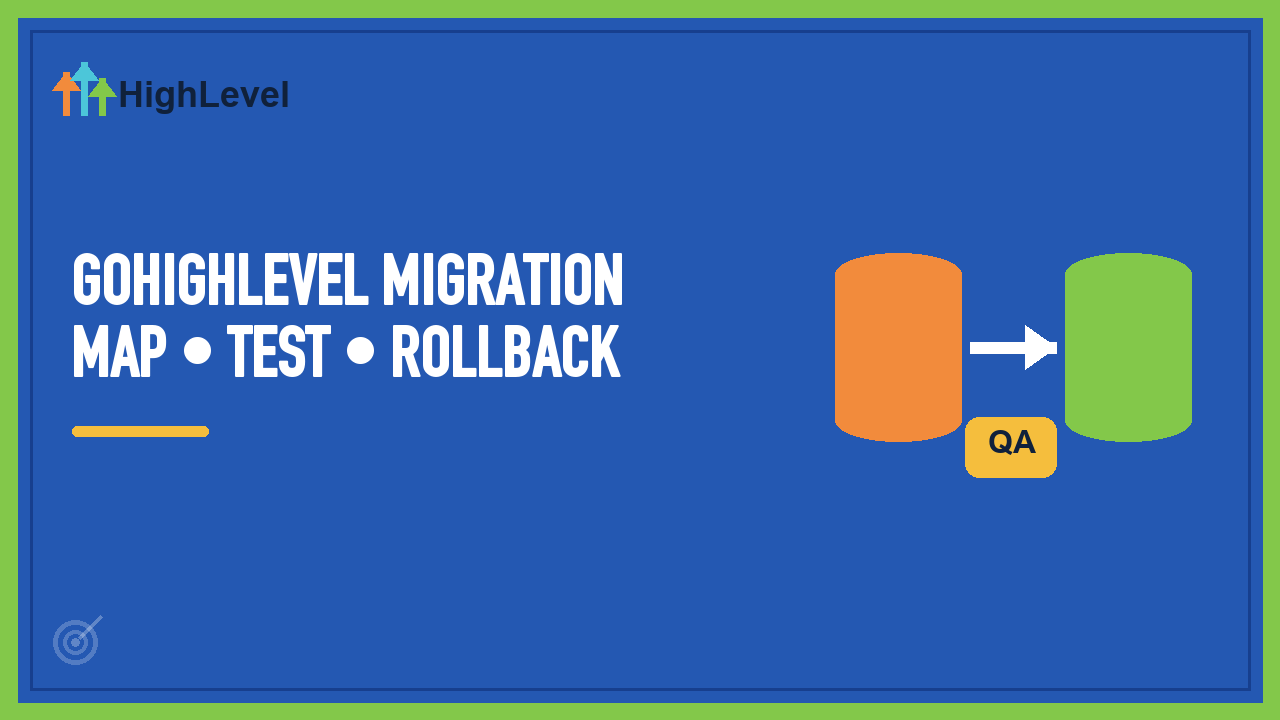
GoHighLevel Migration Service Checklist: Map, Test, Roll Back
A CRM migration is not complete when the CSV imports. It is complete when the team can find the right record, the right automation starts, the wrong automation stays off and the old system can be retired without losing evidence.
This is the checklist we use to scope a GoHighLevel migration. It is a runbook, not a claimed client case study.
1. Define exactly what moves
- Contacts and companies
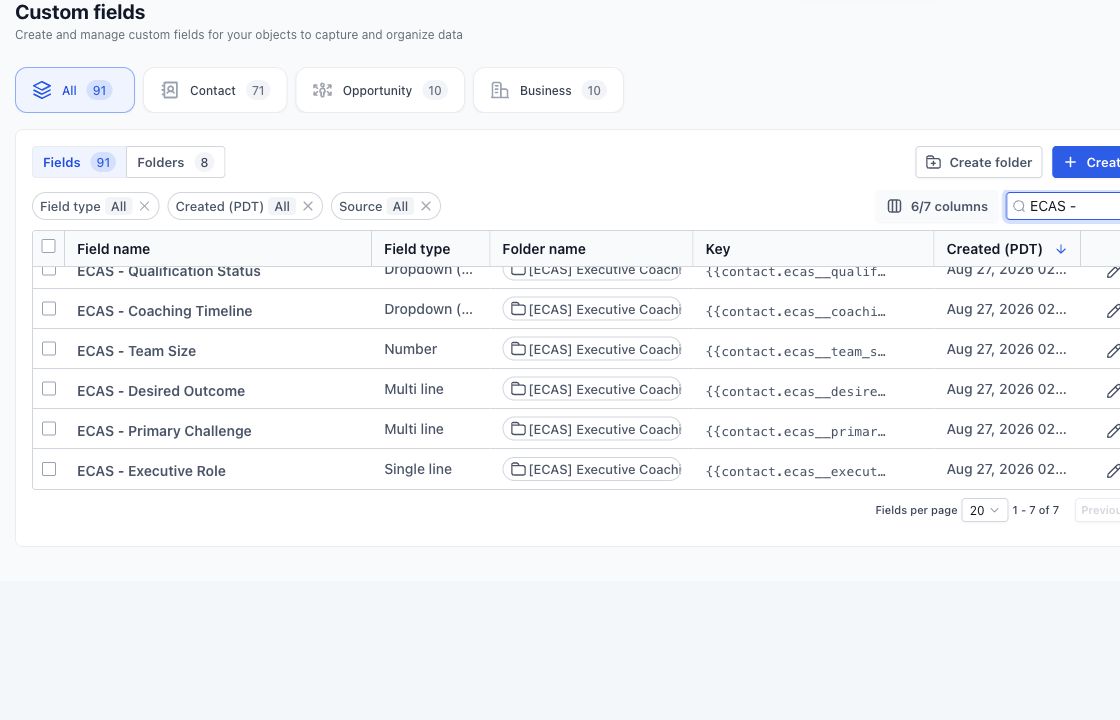
- Custom fields and allowed values
- Opportunities, pipelines and owners
- Tags, lists and consent status
- Notes, tasks, appointments and files
- Email/SMS templates and automations
- Historical conversations or activity that must remain accessible
For each object, mark it as migrate, archive, rebuild or exclude. “Move everything” is not a specification.
2. Build a source-to-target map
| Source | HighLevel target | Rule | Validation |
|---|---|---|---|
| Lifecycle status | Pipeline stage or contact field | Translate approved values | Count by value before/after |
| Owner | Assigned user | Map active users; route inactive owners | Unassigned count |
| Consent | DND/channel consent | Preserve source evidence | Exception review |
| Free-text tags | Tags or structured field | Merge spelling variants | Top-value comparison |
3. Clean and deduplicate before import
Choose a stable match rule—usually normalized email, phone or an external ID—and define what wins when two records disagree. Keep the raw export unchanged. Perform cleanup in a working copy so every transformation can be traced.
4. Build the destination before the data arrives
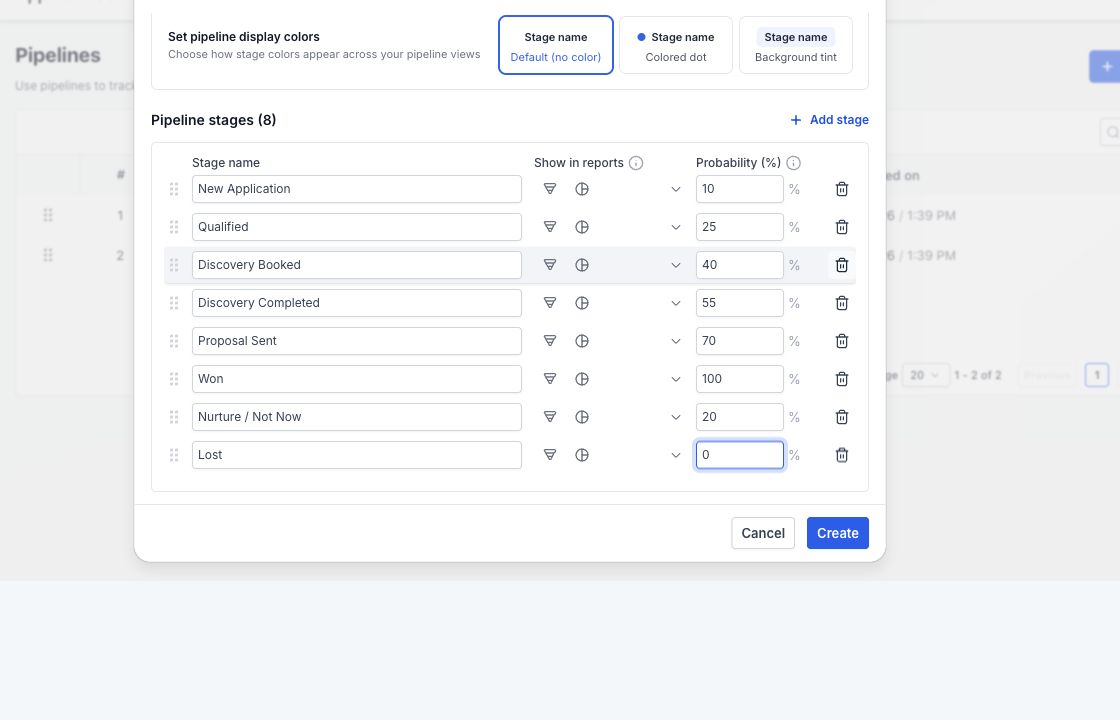
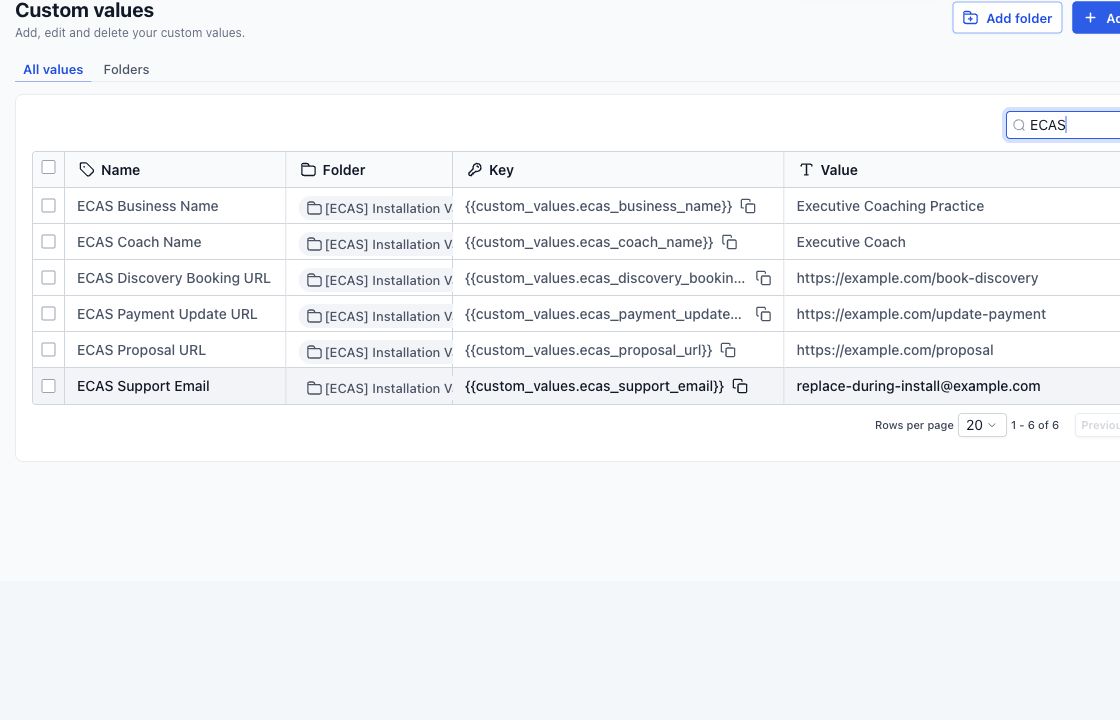
Create fields, values, pipelines, users and tags first. Keep live workflows off during test imports unless the test specifically needs them. Otherwise imported history can trigger welcome messages, assignment alerts or old nurture sequences.
5. Run a small pilot
Import a representative sample: complete records, sparse records, duplicates, unusual field values, different owners and every important stage. Let users inspect the records before scaling the import.
6. Reconcile with counts and samples
- Total source, excluded, imported, failed and duplicate records
- Counts by owner, pipeline stage, consent status and key segments
- Null rates for required destination fields
- Spot checks from source record to HighLevel record
- Failed-row log with a disposition for every exception
7. Cut over with a rollback point
Set a final source freeze, export again, record the last migrated timestamp and keep the legacy system read-only for the agreed retention period. Document how to stop outbound automation and restore routing if the cutover fails.
What should you require from a migration provider?
Use a managed migration when the move includes active pipelines, consent records, multiple owners, live automations or data that must be reconciled. A CSV import alone is not enough.
Before accepting a quote, require a source-to-target map, exclusions, deduplication rules, a pilot sample, an exception log, a cutover owner and a rollback plan. We use those items to define what will be migrated, rebuilt, archived or left behind.
Before we quote a GoHighLevel migration service, we inspect one source export, the destination structure, the automation cutover and the reconciliation standard. That prevents a cheap import from becoming an expensive cleanup.
After the data model is stable, apply the same clean-account workflow test discipline to the migrated automation.
Planning a HighLevel migration?
Bring your source platform, account access requirements and the journeys that must keep working. We can map the move, reconnections, testing and rollback plan before agreeing on a scope and fixed quote.