GoHighLevel Voice AI Outbound Call Rejected: No Consent Found
Before you change the Voice AI agent, check when the No Consent Found error happened and which consent control produced it. HighLevel changed its outbound framework in June 2026, so some older setup guides describe platform-level validation that no longer works in the same way.
Why this matters: a qualified lead can sit in the workflow while the call is blocked before it starts. We check the original consent source, mapped phone number and failed execution together instead of changing the prompt at random.
The change does not remove your responsibility to obtain valid permission. It means you should not keep editing a checkbox without first confirming whether the current failure is caused by consent evidence, workflow configuration, phone setup or account eligibility.
If consent is valid but calls still fail, compare the platform path in GoHighLevel Voice AI versus Vapi and Retell, then test the AI receptionist handoff pattern or the AI appointment-setter workflow. If the call step never runs, use the workflow diagnostic checklist.
First, understand what changed in 2026
HighLevel’s current flexible outbound calling framework says businesses remain responsible for consent, applicable laws and acceptable-use rules. Its outbound Voice AI guide says calls are placed through a workflow and require an eligible account, completed KYC and a valid phone setup.
If an old guide, video or failed execution refers to platform consent validation, compare it with the current documentation before changing the live lead flow.
1. Inspect the exact failed workflow execution
Open the workflow history for the contact and note:
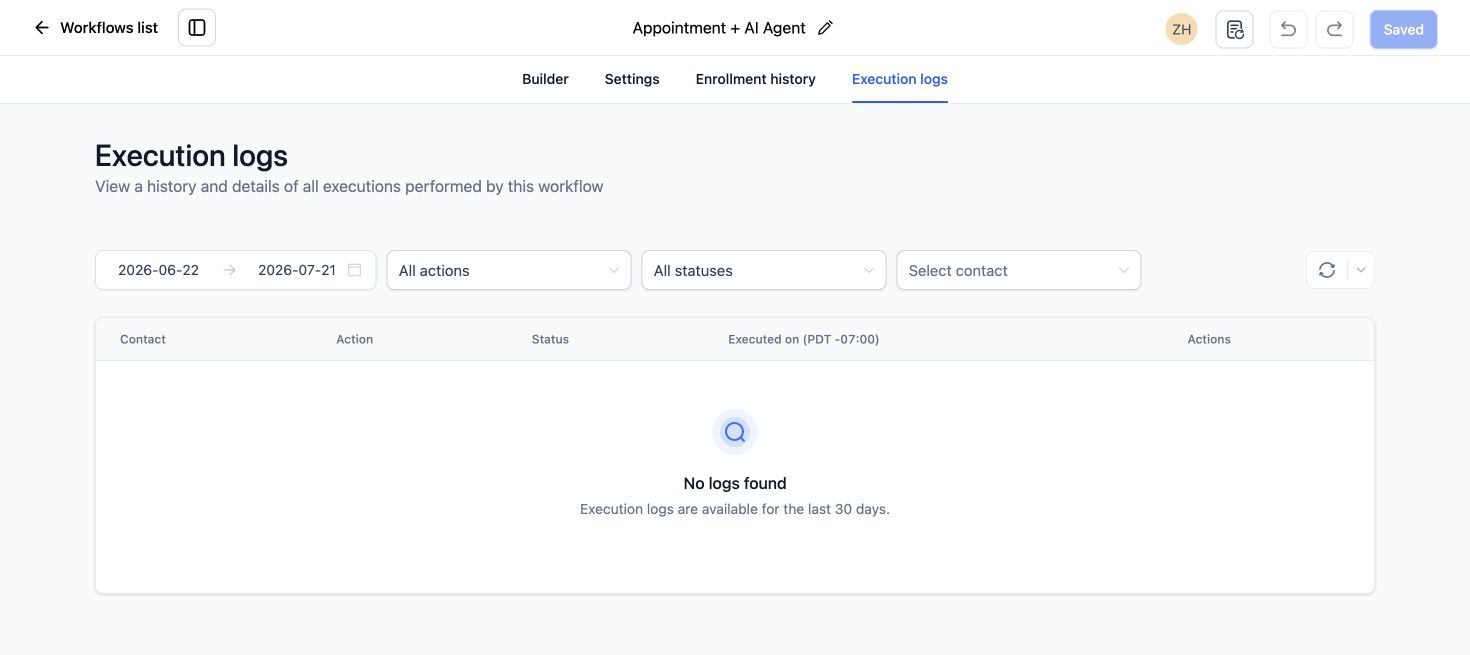
- The date and time of the failure.
- The Voice AI action and agent used.
- The contact’s phone number and country.
- The full error text.
- The form, calendar or Meta lead source that collected consent.
Do not rely on a screenshot from an older attempt if a new execution now returns a different error.
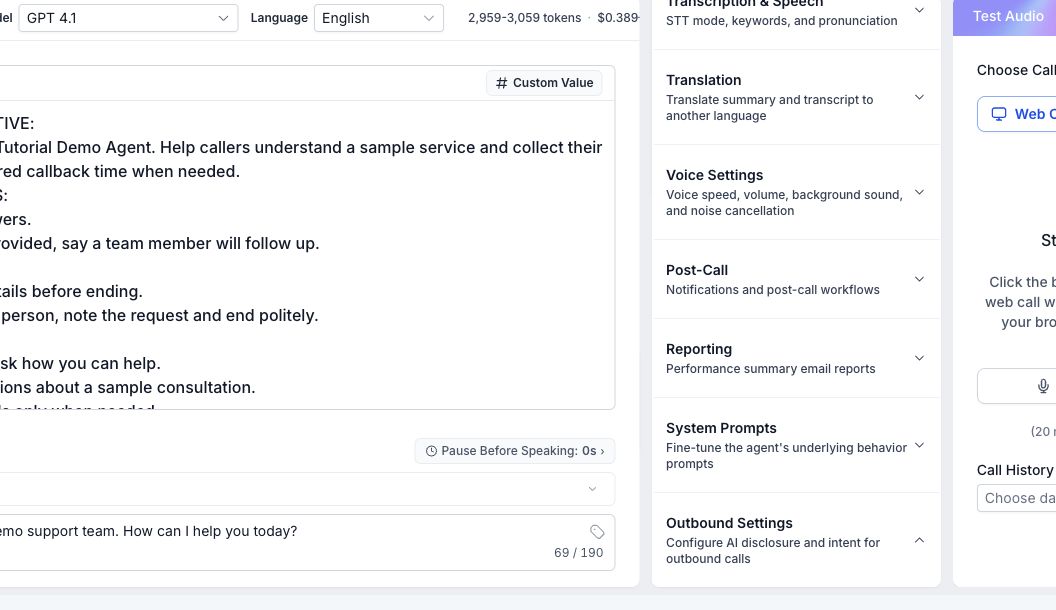
2. Confirm Voice AI outbound calling is enabled
Open the Voice AI agent and confirm outbound calling is available for the location. Complete the required KYC and make sure the account remains within HighLevel’s acceptable-use thresholds.
3. Check the workflow action
Outbound Voice AI calls must be launched through a workflow. Confirm the action points to the correct agent and phone number. Save the action, publish the workflow and test with a contact who has a valid number in the supported country.
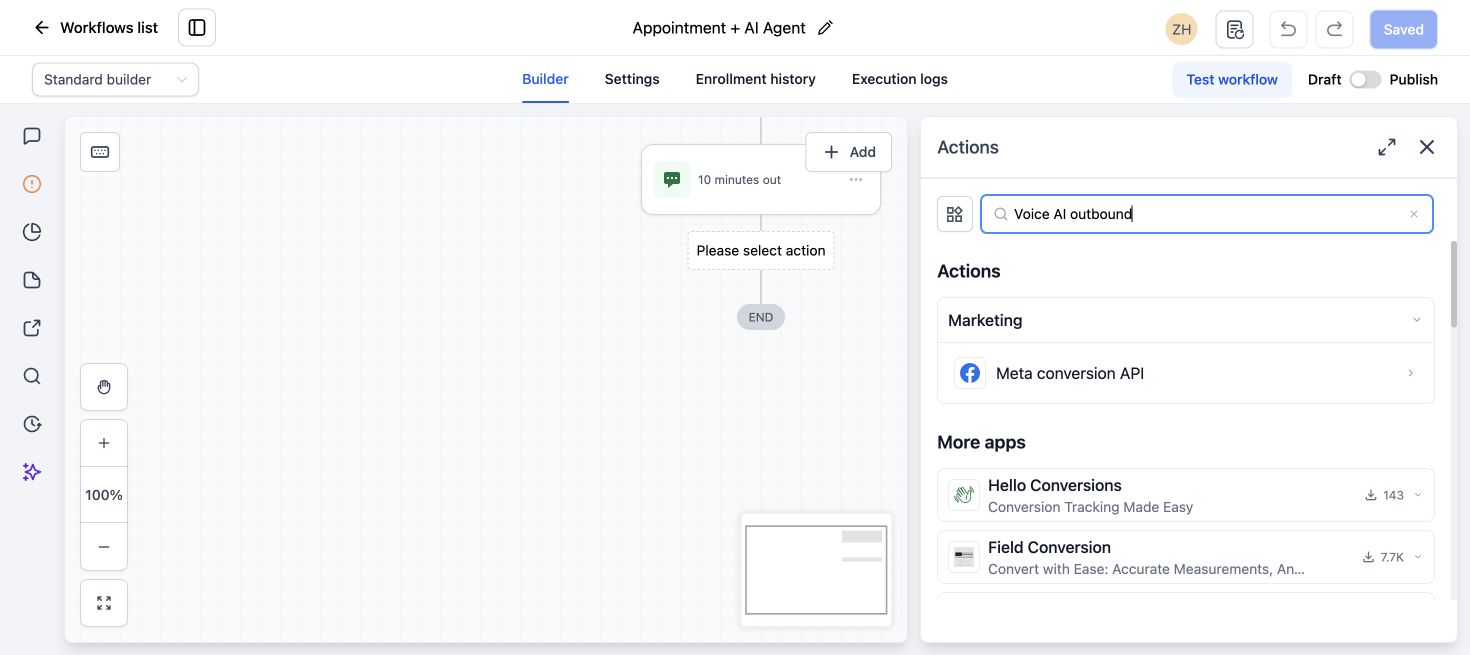
If the contact never reaches the Voice AI action, use our 12-step workflow troubleshooting checklist first.
4. Verify the phone number
Use a valid domestic number that matches the calling setup supported by the location. Check the country code, formatting and whether the number can receive the call.
5. Keep real consent evidence
Even when HighLevel does not block the call at the contact level, your business still needs defensible permission. HighLevel’s Voice AI compliance guide recommends consent language that clearly covers calls and automated or AI-generated voice where required.
Keep the consent text, source URL, timestamp and form submission connected to the contact record. Give people a clear way to opt out and honor it.
6. For Meta leads, check the form disclaimer and mapping
If the contact came from a Facebook or Instagram lead form, open Meta Business Suite and review the disclaimer shown on the actual form. Then check Settings > Integrations > Facebook > Form Field Mapping in GoHighLevel.
HighLevel’s Meta form consent guide explains the mapping and refresh process. Treat this as part of your consent record, even if the current platform framework no longer validates every contact before dialing.
7. Run one controlled test
- Submit the current live form using a test number you control.
- Confirm the new contact contains the correct source and consent details.
- Enroll that contact through the real workflow trigger.
- Watch the workflow execution reach the Voice AI action.
- Confirm the call result and opt-out behavior.
If the call is still rejected
Check location eligibility, KYC, phone setup and acceptable-use status. Save the current execution ID and error text before contacting HighLevel support. That is more useful than reporting only that Voice AI does not work.
For a broader implementation, our GoHighLevel AI chatbot and Voice Agent service covers the agent, workflow, calendar, handoff and test process.
For connected voice, chat, calendar and handoff work, review our broader GoHighLevel implementation services.
Frequently asked questions
Does GoHighLevel still require consent for Voice AI outbound calls?
Your business still needs valid consent and must follow applicable laws and HighLevel policies. The 2026 change concerns platform-level validation, not your legal responsibility.
Why does an older tutorial show a consent verification step?
HighLevel changed the outbound calling framework in June 2026. Compare older tutorials with the current official documentation.
Can Voice AI call a Facebook lead?
It can when your setup is eligible and the lead has provided appropriate call consent. Keep the Meta form disclaimer and submission evidence.
Can I launch an outbound Voice AI call manually?
HighLevel’s current setup places outbound Voice AI calls through workflow actions.
What should I send to support?
Include the location, agent, workflow, execution ID, error text, test number country and the time of the failed attempt.
Need your AI agent set up and tested?
We can scope your conversation, booking path, follow-up and human handoff, then test the agreed customer journey. Implementation is quoted separately from software subscriptions and usage charges.