GoHighLevel Snapshot Installation Service: What Import Misses
A GoHighLevel snapshot installation starts when the assets load; it does not finish there. HighLevel’s current snapshot guidance says copied assets can still require integrations, approvals or post-load configuration.
The practical problem is ownership. If the builder thinks the buyer will connect the phone and the buyer thinks “installation” included it, the account reaches launch with an invisible gap.
Use two separate milestones
| Milestone | Evidence |
|---|---|
| Snapshot loaded | Expected assets appear in the destination account and the load is recorded. |
| Installation accepted | Assigned connections are complete, the test matrix passes and the buyer signs off on known limits. |
Do not call the second milestone complete because the first one succeeded.
The post-load owner matrix
Before work starts, give every remaining item one owner. “Client + developer” is not an owner.
| Item | Buyer provides | Installer completes | Acceptance evidence |
|---|---|---|---|
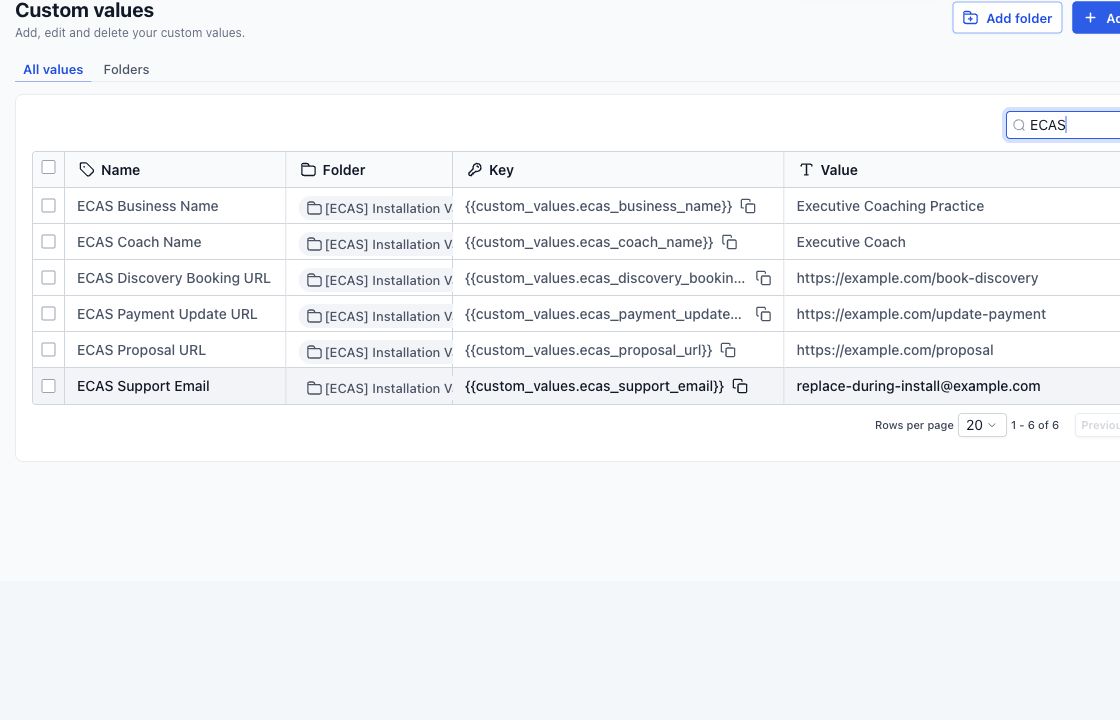
| Business values | Approved names, URLs and inboxes | Replace central values | Value export or reviewed screen |
| Users | Names, roles and routing rules | Assign owners and notifications | Assignment test |
| Calendar | Availability, timezone and meeting method | Configure and connect | Test booking and confirmation |
| Email/phone | Credentials, numbers and approvals | Connect within scope | Delivery and reply test |
| Domains | DNS access or approved records | Apply and verify | Live URL and certificate check |
| Payments | Merchant account and products | Connect within scope | Approved test transaction |
Install in five controlled passes
Pass 1: inventory
Compare the destination assets with the release manifest. Record missing items, conflicts and anything intentionally excluded.
Pass 2: identity and ownership
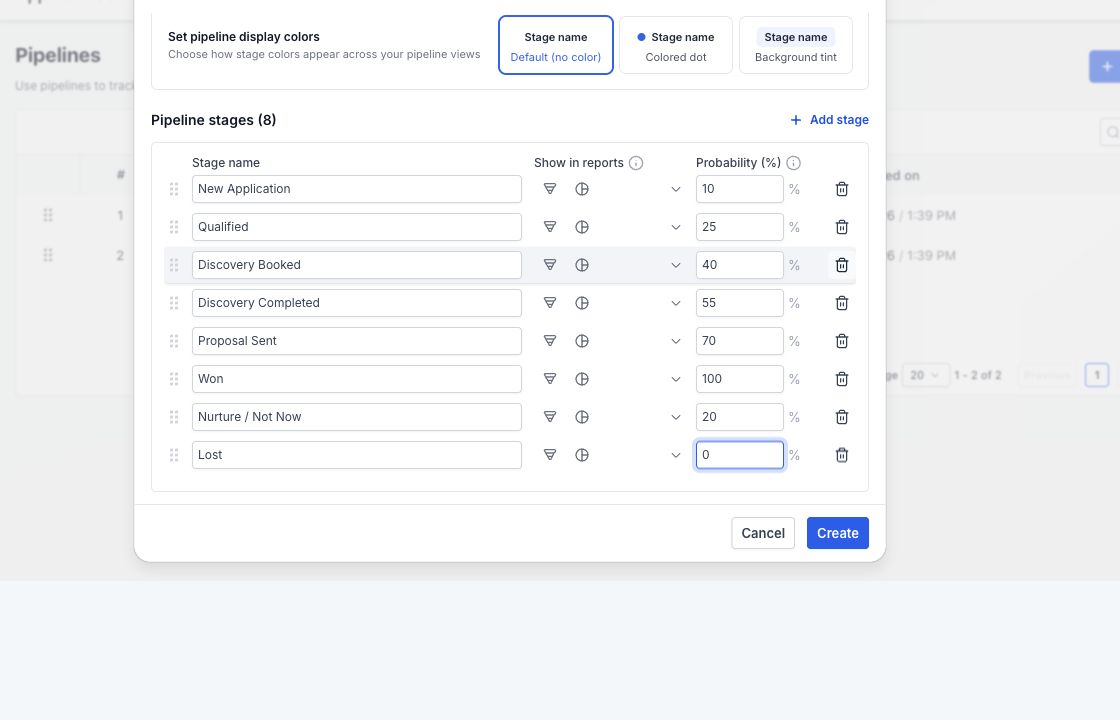
Replace business values, add users, set notification recipients and confirm which person owns each pipeline stage and exception.
Pass 3: connections
Complete only the connections listed in the agreement. Mark every buyer-owned prerequisite that prevents completion instead of silently working around it.
Pass 4: journey tests
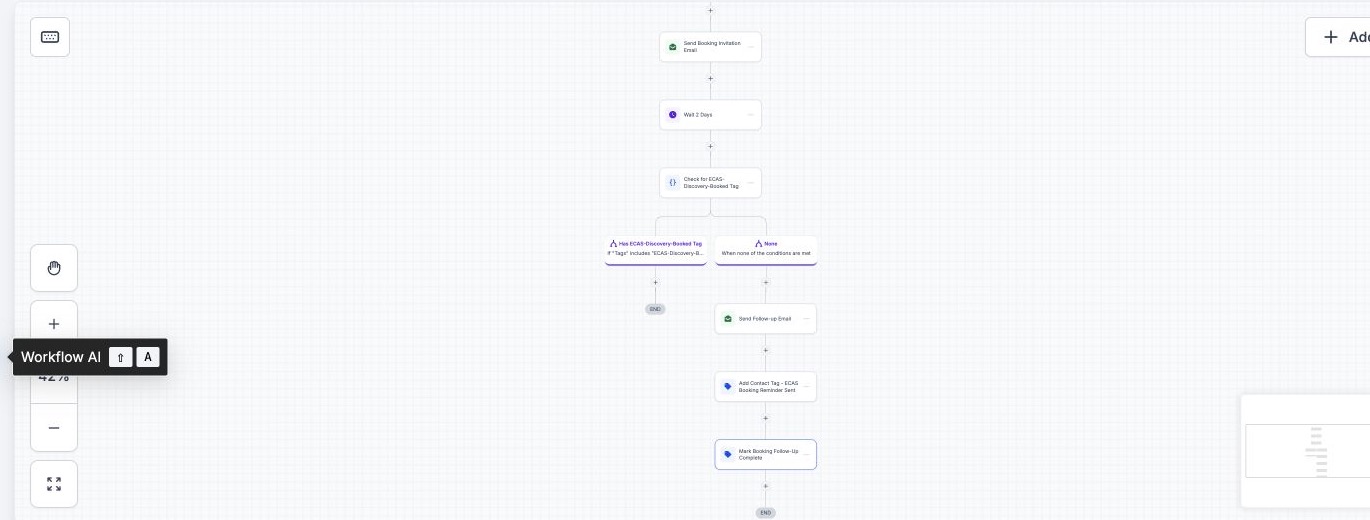
Use separate contacts for each important branch. For the coaching build, that includes a qualified lead who books, a qualified lead who does not, a no-show who rebooks and a no-show who does not.
Pass 5: handoff
Deliver the version, completed connections, test evidence, unresolved items, account owner and support path. The buyer accepts the known state—not a vague promise that everything should work.
How our $697 offer draws the line
The Executive Coaching Client Acquisition Snapshot includes the snapshot and one installation. The installation covers loading the agreed assets, replacing agreed values and basic post-load verification. Business-specific setup—such as DNS work, phone registration, sender configuration, payment connection or custom integration—is separate unless the written scope includes it.
Installation acceptance checklist
- The destination contains the assets listed in the release manifest.
- Business values, owners, calendars and notification recipients are correct.
- Every in-scope connection has passed a delivery, booking or reply test.
- Known limitations and buyer-owned tasks are written down with owners.
- The buyer receives the version, evidence, support route and next action.
For a pre-purchase summary, use the 12-point “plug-and-play” checklist. Use this owner matrix after purchase to control the actual handoff.
Need a snapshot built for your client journey?
We can scope a reusable snapshot around your niche, test the workflows and document the account connections needed after installation. Build, installation and custom work are scoped and quoted before work starts.