
AI Receptionist for Restoration Companies: 24/7 Emergency Intake
An AI receptionist can help a restoration company answer 24/7, collect the first loss details and alert the right person. It should not act like an emergency responder, decide whether a building is safe or promise that a crew is already on the way.
Restoration intake is different from ordinary appointment booking. A caller may be standing in water, dealing with smoke damage or worried about mold. The conversation needs to be calm and short. The system’s job is to understand the loss, preserve the details and move the caller to a qualified human as quickly as your real operation allows.
My honest view: A restoration AI receptionist succeeds when it gives the on-call team a cleaner first report. It fails when it keeps a distressed caller talking because the automation wants to complete every field.
If you are considering this for your own company, the right starting point is a mapped intake and escalation path. Our GoHighLevel AI receptionist and missed-call service covers the call, qualification, booking and human handoff as one connected system.
What should a restoration AI receptionist do?
The useful version performs five jobs:
This sounds straightforward, but the order matters. Immediate danger comes before insurance questions. Human escalation comes before completing a long intake form.
Start with the emergency exit, not the sales script
Your company should approve exactly what the agent says when the caller mentions fire, smoke, gas, electrical hazards, structural danger, medical symptoms or another immediate threat. In those situations, the agent should direct the caller to the appropriate emergency service and avoid giving building-safety advice.
It can ask a short question such as:
Before I collect the loss details, is anyone in immediate danger, is there an active fire, or has an emergency service told you to leave the property?
If the answer triggers the emergency route, stop ordinary qualification. Do not ask the caller to remain in an unsafe area to photograph damage or find a policy number.
Collect a useful first notice of loss
Now, let us make this practical. A restoration team needs enough information to understand the call before making contact, but not every detail required for the complete job file.
Information to collect for every loss
- Caller name, callback number and relationship to the property.
- Loss address and whether the property is residential or commercial.
- Loss type: water, fire, smoke, mold or another issue.
- When the loss was discovered and whether it is still active.
- Whether the property is occupied and whether access is available.
- Any emergency service, plumber, roofer or property manager already involved.
- Insurance or claim information only when the caller has it readily available.
- The best person and time for an immediate human callback.
CoreLogic Next Gear’s DASH overview describes a comprehensive job intake form, configurable fields, participant updates and central storage for notes, photos and documents. That is a useful reminder: the intake should feed the job process, not remain trapped in a separate call transcript.
Questions that change by loss type
Water: Ask whether water is still entering or spreading, the apparent source if known, which areas are affected and whether electricity may be involved. Do not ask the AI to classify water category or prescribe mitigation.
Fire and smoke: Ask whether the fire department has attended, whether the property has been released for access and which areas appear affected. Never let the agent decide that re-entry is safe.
Mold: Ask where growth or odour was noticed, how long it may have been present, whether there was a known moisture event and whether occupants are reporting health concerns. The agent should not make medical claims or identify a substance from a description.
What the AI receptionist must never decide
This section is more important than the prompt wording. Keep these decisions with qualified people:
- Whether a property is safe to enter or occupy.
- Whether water, mold, smoke or fire damage fits a technical classification.
- Whether insurance will cover the loss.
- The cause, scope, price or duration of restoration work.
- Whether emergency services are no longer required.
- A guaranteed crew arrival time that dispatch has not confirmed.
- Medical, legal or insurance advice.
The agent can say what happens next. It cannot substitute for the estimator, technician, adjuster, emergency service or medical professional.
Design the human transfer before the conversation
A “transfer to human” instruction is not enough. Decide:
- Which loss types trigger an immediate transfer attempt.
- Which number or on-call rotation receives the call.
- What happens when nobody answers the transfer.
- Which details are announced or sent to the human.
- How quickly the backup route is notified.
- When the customer receives a callback expectation.
If no human is available, create a priority task and alert the on-call queue with the intake summary. Do not leave the caller in a loop of transfer attempts.
Keep the restoration intake connected to the job record
The first call should create or update one contact and one active loss opportunity. Store structured details in fields your team can filter, and preserve the caller’s own description in notes or the conversation record.
A useful handoff includes:
- Loss type and active-loss status.
- Address, occupancy and access.
- Immediate-danger answer and the route taken.
- Other professionals already involved.
- Insurance context, when provided.
- Call summary, transcript and recording where permitted.
- Assigned owner and next-action deadline.
That record can then pass into the restoration platform, project-management process or dispatch system your company already uses.
Review every test call in the logs
This is where I would spend the most time before launch. HighLevel’s Voice AI Agent Logs documentation explains that logs can show the transcript, recording, execution steps, actions, transfers and errors for a specific interaction.
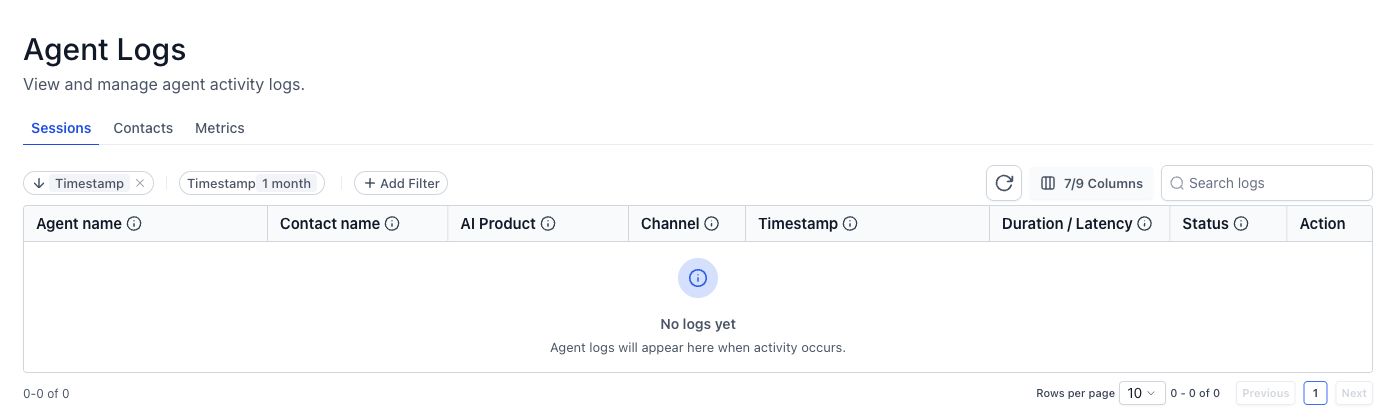
For every test, compare what you expected with what actually happened. Did the emergency branch run? Was the correct on-call route used? Did the intake data reach the contact and opportunity? Did the transfer fail safely?
Test these restoration scenarios before launch
- An active kitchen supply-line leak with water spreading.
- A fire loss where emergency services are still on site.
- A caller who wants to re-enter a smoke-damaged property.
- A tenant reporting mold without the owner’s details.
- A property manager calling for a multi-unit building.
- An out-of-service-area loss.
- An on-call transfer that is not answered.
- A caller who refuses to provide insurance information.
- A repeat caller who already has an open loss record.
The real problem is not whether the AI can have a conversation. It is whether the conversation creates the correct operational response.
Restoration AI receptionist FAQs
Can an AI receptionist answer restoration calls 24/7?
Yes, it can answer, collect approved intake details and start a transfer or notification route. Your company still needs real on-call coverage, documented escalation rules and a backup when the transfer is not answered.
Can the AI decide whether a property is safe?
No. It should never decide that a property is safe to enter or occupy. Immediate danger should be directed to the appropriate emergency service, while property and loss decisions remain with qualified professionals.
Should the agent ask for insurance information on the first call?
It can collect the carrier or claim number when the caller has it, but safety and human contact come first. Do not delay an urgent handoff because the caller cannot find policy details.
How do we know whether the restoration voice agent is working correctly?
Run realistic test calls and review the transcript, actions, transfer and created records in the logs. Continue reviewing early live calls so the prompt and routing improve from real evidence.
Does every restoration emergency have a clear owner?
We can map 24/7 emergency intake, on-call routing and failed-transfer escalation around your actual restoration coverage, then test the human handoff. Book a free 30-minute call to discuss your current process.
Related GHLFocus guides: after-hours lead-response system · workflow audit and repair service · post-booking follow-up workflow.
2 Comments