GoHighLevel Missed-Call Text-Back Not Firing Through IVR
If missed-call text-back is not firing through your IVR, the SMS is probably not the first thing I would change. The call may be ending as an IVR disconnect instead of following the missed-call path you expected. Check the number’s routing workflow, call-status branch and native missed-call settings first.
The real lead-loss risk: someone can hang up inside the IVR before reaching voicemail, while the team assumes a recovery text was sent. We map every possible call outcome and test the exact hang-up point.
This is a call-flow problem first. The text message is only the final action.
For the wider call journey, connect this fix to the after-hours lead system and use the AI receptionist and website chatbot services to choose the response channel. If Voice AI is involved, verify outbound-call consent; if the action never starts, use the workflow checklist.
Why the IVR changes the missed-call path
An IVR answers the call and runs workflow logic. If the caller hangs up while listening to the menu, the system can record a disconnected outcome before the call reaches a user or voicemail. A native missed-call text-back setting may not treat every IVR disconnect the way a direct unanswered call is treated.
HighLevel’s IVR guide includes call-status checks for answered, missed and disconnected calls. Use those outcomes deliberately.
1. Confirm the number is assigned to the IVR workflow
Open Settings > Phone Numbers, select the number and review its inbound call settings. HighLevel’s current inbound call routing guide places workflow routing under the number’s call forwarding or IVR configuration.
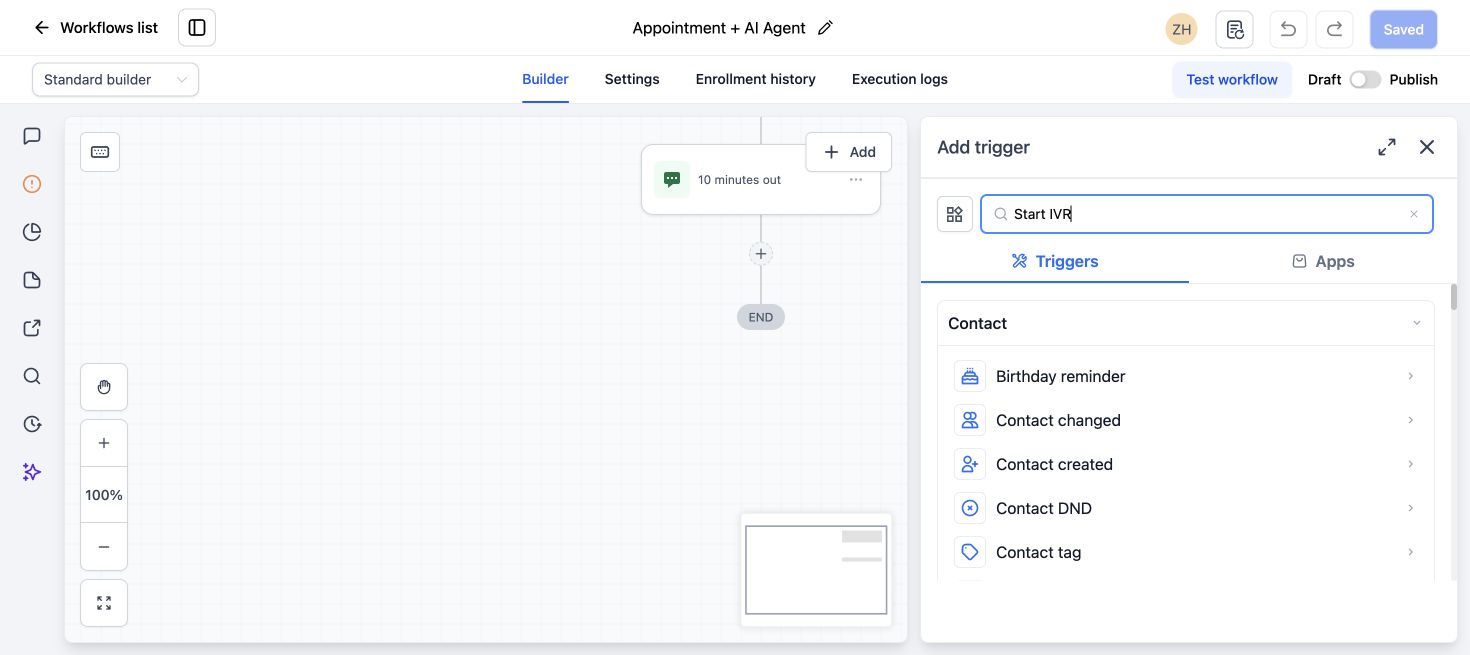
Make sure the live number points to the workflow you are editing, not an older copy.
2. Map the complete IVR route
Write down what happens when the caller:
- Selects a valid menu option.
- Presses an invalid option.
- Does not press anything.
- Hangs up during the greeting.
- Reaches a user who does not answer.
- Reaches voicemail.
Every ending should have an intentional branch. The missing text-back is often on an unhandled timeout or disconnected branch.
3. Add a call-status check after the IVR step
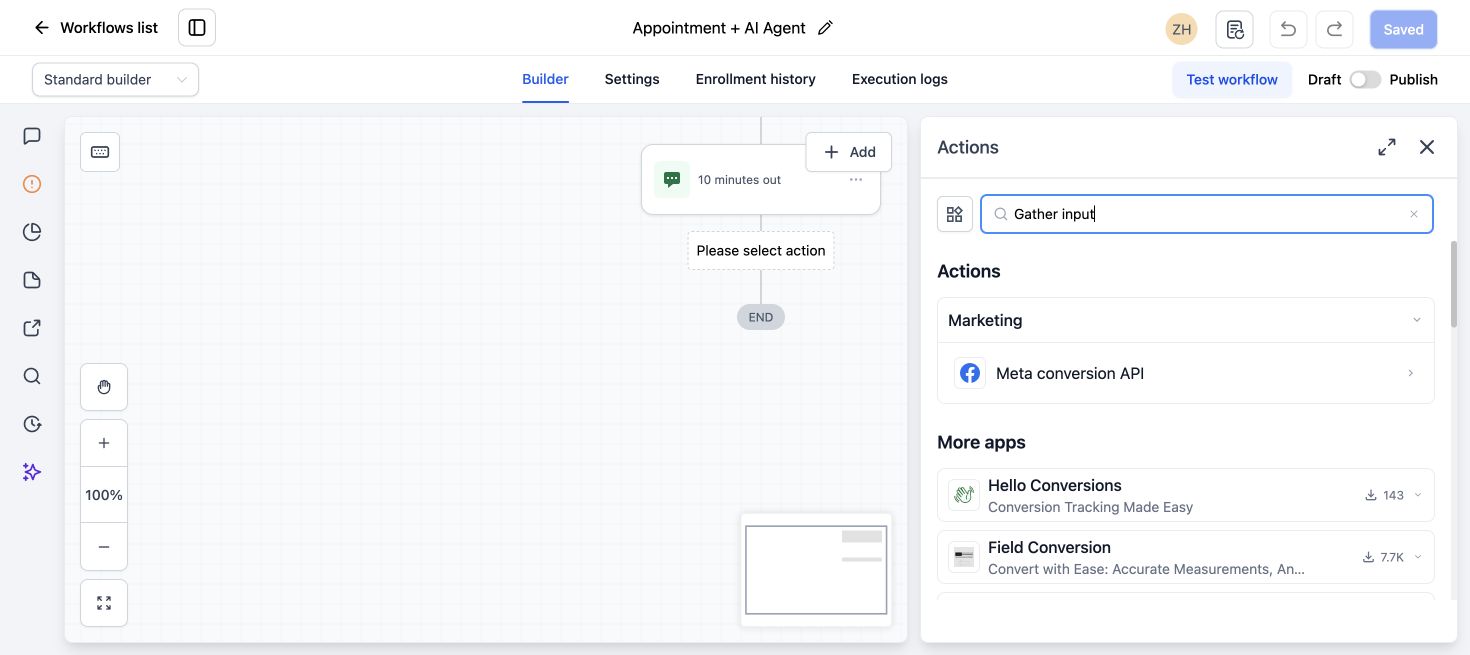
Use the IVR call-status action to separate completed, missed and disconnected outcomes. Add the recovery SMS to the branch that represents the real failed call in your test.
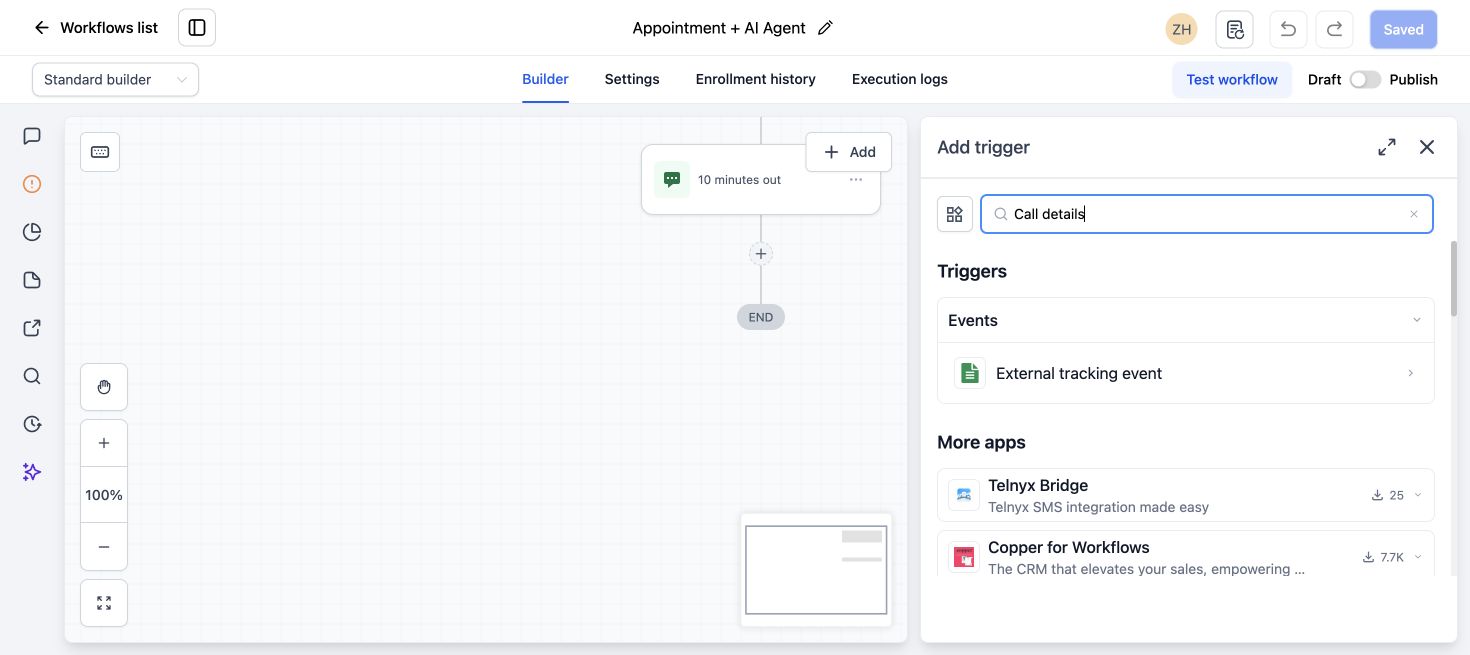
Do not assume that missed covers callers who disconnect during the menu. Test both missed and disconnected outcomes.
4. Check the native missed-call text-back setting
Go to Settings > Phone System > Voice > Voicemail & Missed Call Text Back. Confirm the feature is enabled and the message is saved. HighLevel’s missed-call text-back guide also recommends checking the default number and inbound timeout.
If you create an IVR workflow text-back, decide whether the native feature should remain active. Running both without protection can send duplicate messages.
5. Prevent duplicate text messages
A simple safeguard is to add a tag when the first text-back is sent. Before sending another message, wait briefly and check whether the tag is already present.
For more complex routing, store the call ID or use workflow conditions that allow only one recovery message per call event.
6. Check the sending number and compliance
Confirm the SMS is sent from an active number in the same subaccount. Review A2P registration, DND status, phone formatting and opt-out state. A workflow can reach the SMS action but still fail at delivery.
7. Test each call outcome separately
- Call and hang up during the IVR greeting.
- Call and wait without choosing an option.
- Choose an option and let the destination ring without answering.
- Choose an option and reach voicemail.
- Confirm the text-back sends once for each intended outcome.
Check the workflow execution and call log after every test. Record the status assigned to each outcome.
A reliable IVR recovery pattern
- Inbound call enters the IVR workflow.
- Caller chooses an option or times out.
- Workflow checks the final call status.
- Missed or disconnected path checks for a previous recovery tag.
- Workflow sends one short text asking how the team can help.
- Contact reply creates or updates the opportunity and alerts the assigned user.
If the workflow itself does not start, use our GoHighLevel workflow not firing checklist. For a full response system, see our AI Receptionist and missed-call recovery service.
If calls, messages and booking workflows need to work as one system, explore our GoHighLevel services.
Frequently asked questions
Why does missed-call text-back work without IVR but fail with IVR?
The IVR may answer and classify the call as disconnected or route it through a different workflow branch before the native missed-call action applies.
Should I use native missed-call text-back or a workflow?
Use the native feature for a simple direct call path. A workflow gives better control when IVR, departments, timeouts or duplicate prevention are involved.
Why are callers receiving two text messages?
The native missed-call feature and an IVR workflow may both be sending. Add a tag or other guard and keep one clear owner for the recovery message.
Can the text-back come from the number that was called?
Check the sending-number setting and subaccount phone configuration. Test the displayed number before launching the flow.
Does DND stop the recovery SMS?
SMS DND or an opt-out can prevent delivery even when the workflow action runs.
Need this fixed for you?
Start with a $149 small fix for one clearly defined issue, subject to scope confirmation. If the cause is unclear or spans several workflows, choose the $200 workflow audit. The audit report is delivered within five business days after we receive the required access and journey details.