
Custom GoHighLevel Snapshot vs Marketplace vs DIY
A custom GoHighLevel snapshot is not automatically better than a marketplace product or a DIY build. Choose by process fit, not asset count. A 40-workflow bundle can be worse than six focused workflows when its logic does not match your sales process.
The three practical options are a marketplace snapshot, a custom build or DIY. Each can be correct. The wrong choice usually appears cheap at checkout and expensive during installation.
| Option | Best when | Main cost | Main risk |
|---|---|---|---|
| Marketplace | Your process closely matches a standard niche offer | License plus installation and cleanup | Generic logic, stale copy or unclear support |
| Custom | Your process, routing or integrations are specific | Discovery, build, QA and documentation | Overbuilding before the process is agreed |
| DIY | You understand HighLevel and can test the full journey | Your time and opportunity cost | Hidden dependencies and incomplete QA |
Choose a marketplace snapshot when the process already fits
A marketplace product works when its lead source, qualification method, calendar flow, pipeline and handoff are close to yours. Ask for a live walkthrough and an asset list. More importantly, ask what must be connected after import and who fixes a broken dependency.
- See the actual workflows and pipeline, not only a feature list.
- Confirm whether installation is included.
- Identify client-specific values, phone, email, domains and payments.
- Ask how updates, licensing and support work.
Choose custom when the process is the product
Custom work is justified when your routing rules, qualification, data model, compliance, reporting or handoffs create the advantage. The deliverable should be a tested business journey, not a promised number of workflows.
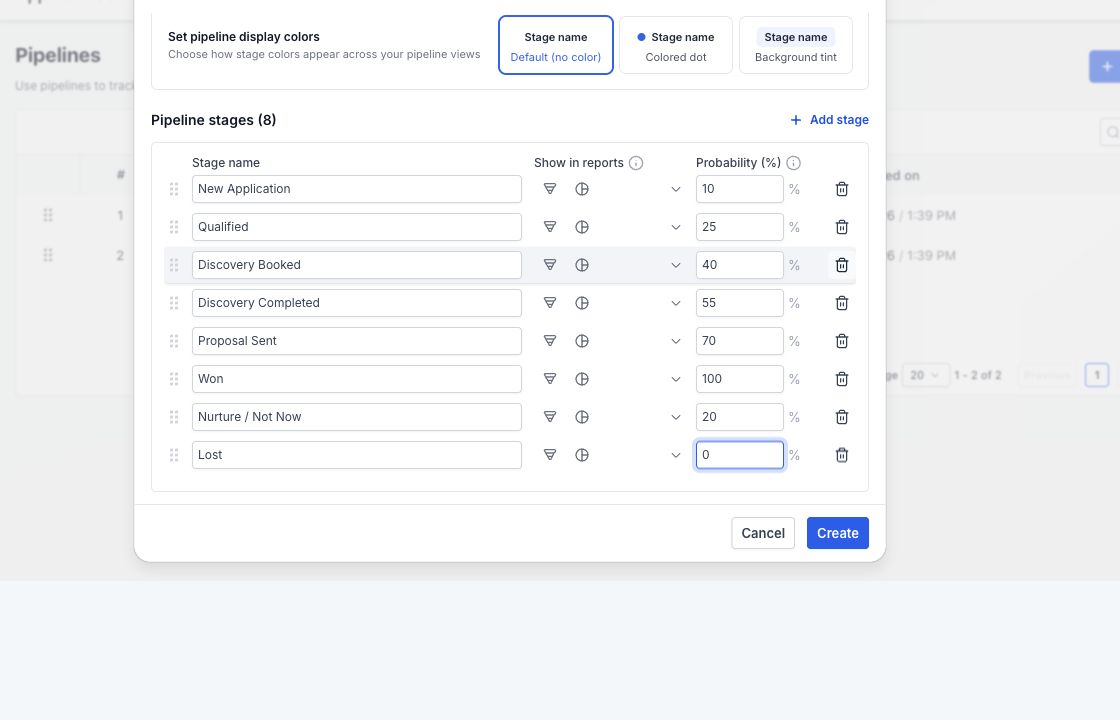
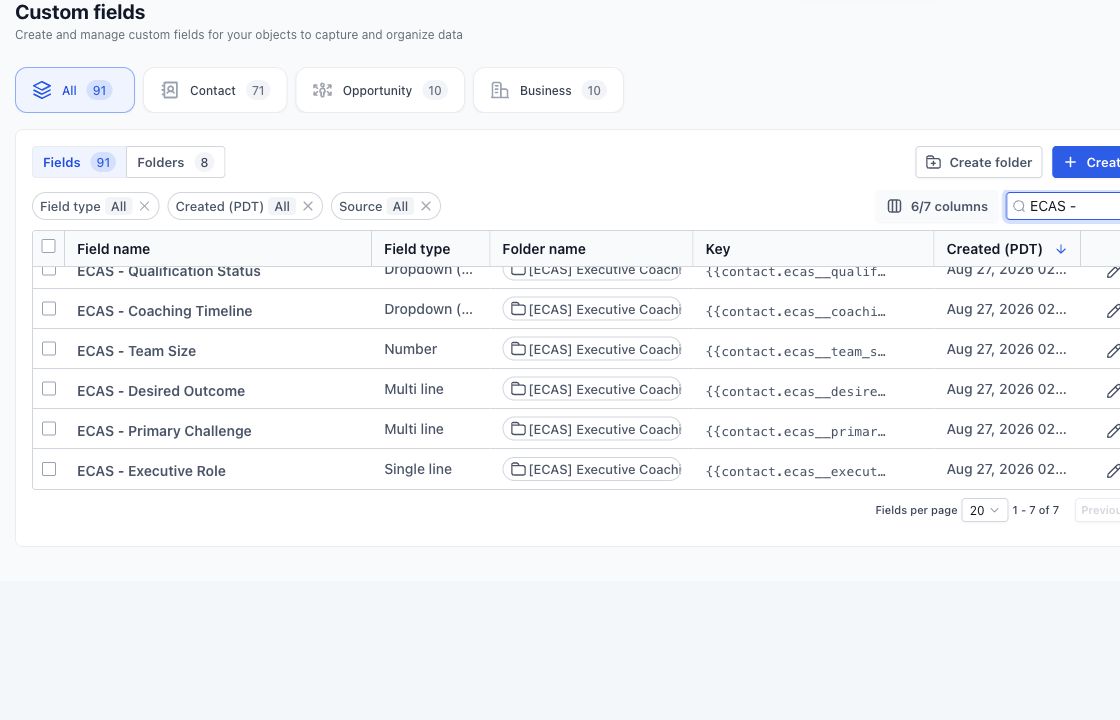
For example, our executive-coaching build separates application review, qualified booking and no-show recovery. It also stores coaching-specific data and isolates installation values. That is useful because the logic matches an application-first coaching offer—not because it has the most assets.
Choose DIY when you can own the test process
DIY is a good choice for a small, stable journey when you can map the logic and test it. Start with one trigger, one goal and one handoff. Create a separate test contact for each branch. Record expected and actual results.
Do not choose DIY only because the software has a visual builder. Most failures come from the relationships between tags, fields, calendars, users, messaging services and stop conditions—not from drawing the boxes.
Use total cost, not purchase price
Compare the purchase or build fee plus installation, copy changes, integrations, testing, training, support and the cost of a failed launch. A $99 template that needs 15 hours of repair is not a $99 solution. A custom build is also poor value if a stable marketplace product already fits.
Ask each seller for the same five answers: what is included, what must be connected after import, who tests it, what support covers and how updates are delivered. Without those answers, the prices are not comparable.
The fastest fit test
- Write the exact lead journey in six to ten steps.
- Mark the steps that are unique to your offer.
- List the systems that must connect.
- Estimate the damage if a message, assignment or payment handoff fails.
- Choose the least expensive option that can pass a clean-account test.
Send us your journey and the snapshot you are considering. We will tell you whether to buy it, customize it or build only the missing part.
For price evaluation, use the GoHighLevel snapshot build-cost checklist instead of comparing workflow counts.
Need a snapshot built for your client journey?
We can scope a reusable snapshot around your niche, test the workflows and document the account connections needed after installation. Build, installation and custom work are scoped and quoted before work starts.


One Comment